- Most AI tools are noise. A handful genuinely change the work; the rest just make bad work faster.
- My one rule: a tool earns a place only if it removes tedium without lowering the quality ceiling.
- The real stack, by job: design and build (Relume, Framer, v0, Claude Code), SEO and content (Surfer, Frase, Ahrefs, Semrush), AI visibility (Otterly, Profound).
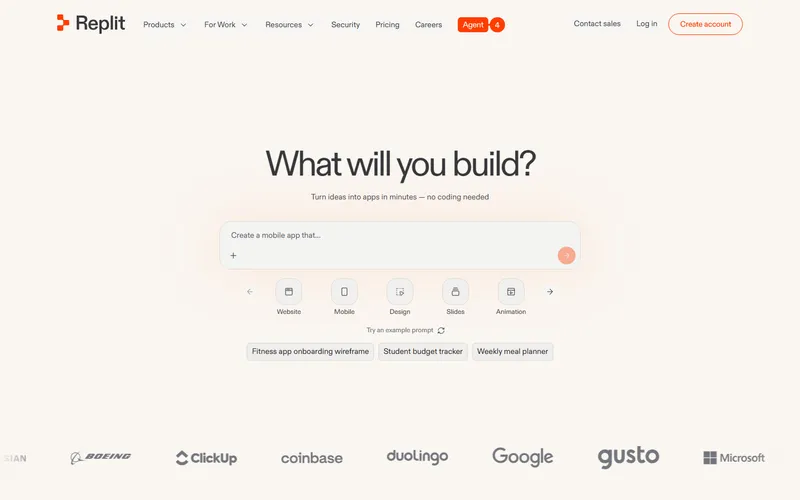
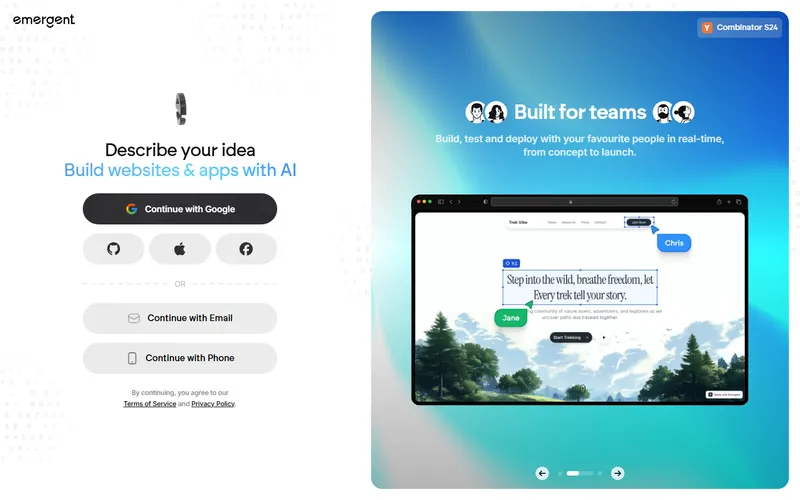
- The one-prompt app builders everyone advertises (Lovable, Bolt, Replit, Base44, Emergent) are great for a fast prototype, not a finished business. Ship one to validate, then rebuild the parts that matter.
- 87% of marketers now use generative AI, up from 51% in 2024, saving around 6 hours a week. Access is table stakes. Judgment is the edge.
- If you're hiring: ask what they build with and how they check it. "AI-powered" with no human review is a red flag, not a feature.
Here is the honest version. I have opened far more AI design and SEO tools than I use, and most of them left the same way they arrived, with a lot of noise and nothing that survived a real project. A small number changed how I work. This is that stack, grouped by the job it does, plus the ones I dropped and why.
I am not neutral about this. I build with these tools every day, so I care what actually holds up when a client is paying and a deadline is real. The pattern is always the same: AI is great at the tedious middle of a job and useless at deciding what the job should be. Adoption is not the edge anymore. 87% of marketers already use generative AI (DigitalApplied, 2026). Judgment is the edge.
What rule do I judge every AI tool by?
One test: does it remove tedious work without lowering the quality ceiling? If a tool saves an hour but makes the output more generic, it failed. That is the trap most AI tools fall into, and it is why my keep pile stays small. AI did not make the work easier. It made weak work faster.
That is the whole review in one line. Speed is easy to sell and easy to feel. Quality is the part that decides whether a page converts, ranks, and holds up a year later. So the tools that earn a place in my stack all do the same thing: they take the grind out of research, drafting, and boilerplate, and they leave the judgment calls to a person. The tools I dropped all did the opposite. They automated the judgment and produced confident, generic work.
The stack, by job
What I keep, what I use only sometimes, and what got dropped. Filter to see each layer.
What the stack actually looks like
The tools that earn a place, grouped by job. An orange dot means it lives in my weekly stack; yellow means I reach for it only sometimes.
Which AI tools do I use to design and build sites?
The build is the fast part now, so the tools I keep are the ones that speed up the messy start and the boilerplate, not the ones that promise a finished site from a sentence. In order of where they sit in a project:
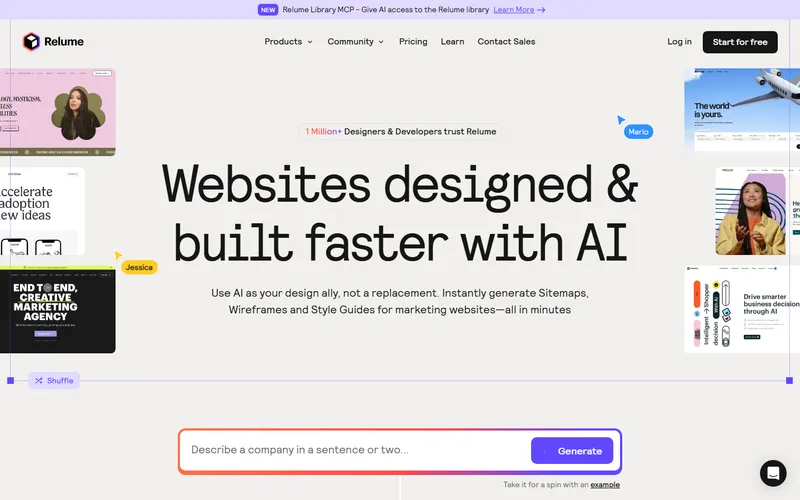
- Relume for the blank-canvas problem. It turns a brief into a sitemap and wireframes in seconds, which kills the day you used to lose staring at nothing. The wireframes are generic on their own, so I treat them as a starting skeleton, never the final design.
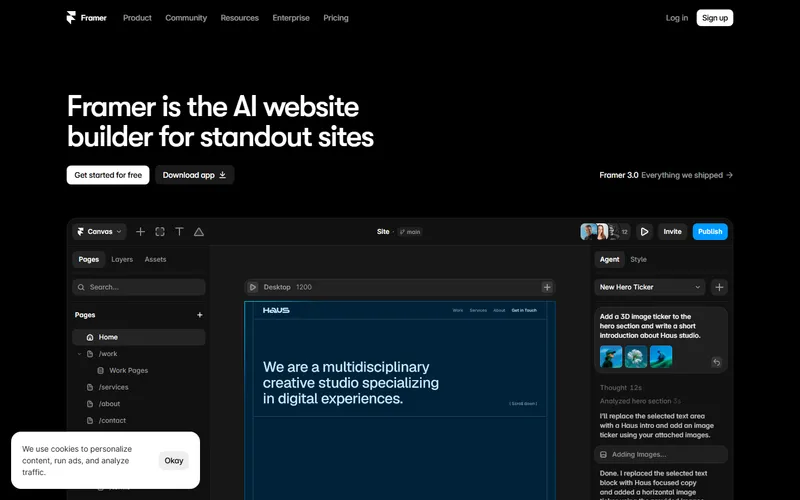
- Framer for design-forward marketing sites where motion and polish are the point. Its output is the closest of anything I have used to something you would actually pay a designer for.
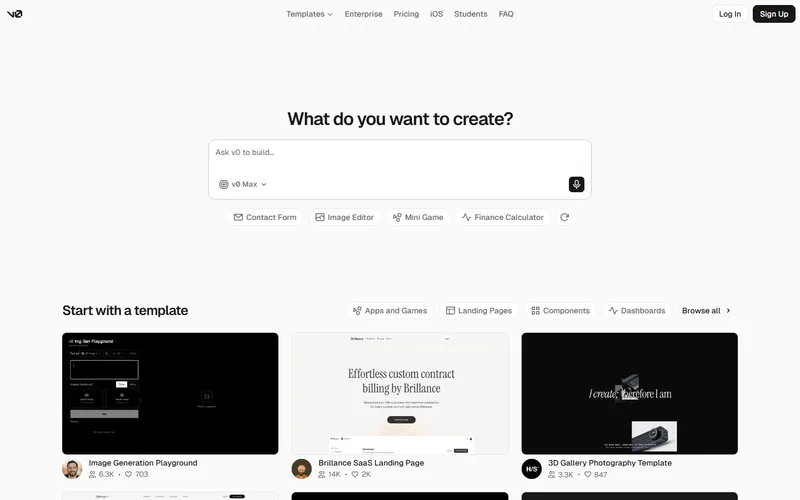
- v0 by Vercel when a client project needs clean, owned code. It turns a prompt into tidy React and Tailwind you can actually maintain, at around $20 a month.
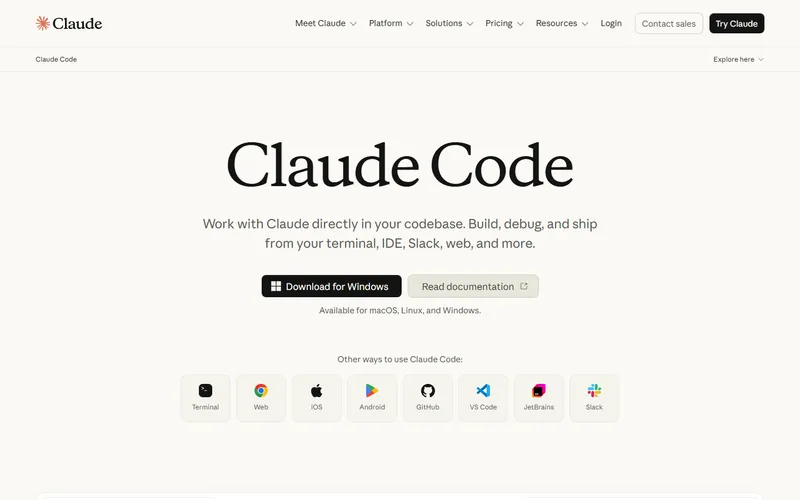
- Claude Code is the actual build engine at RMCM. It is where a design becomes a real, working site, and it is strongest exactly where it matters, on reasoning, structure, and long context rather than one-off snippets.
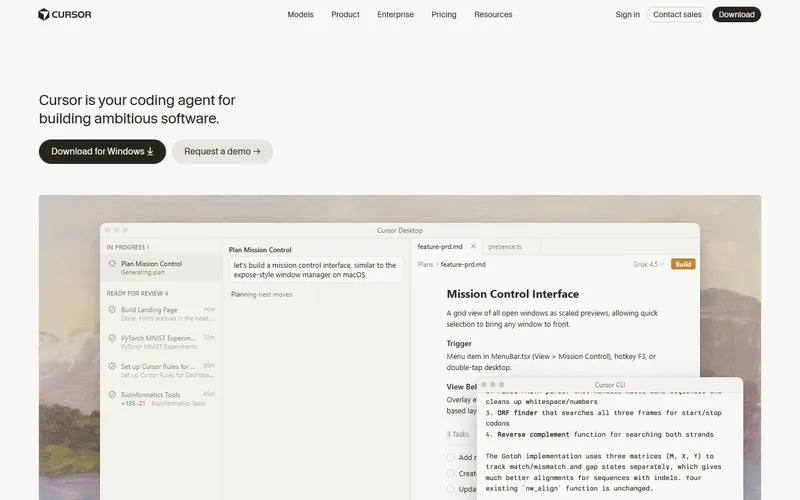
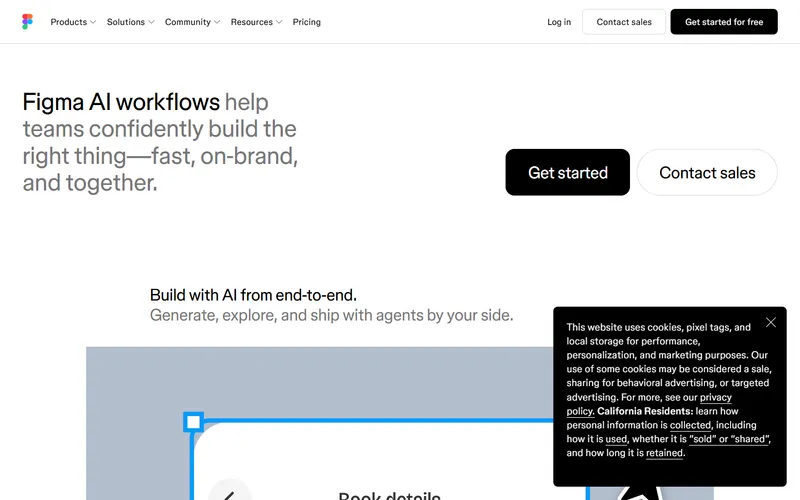
- Cursor for the in-editor work, and Figma AI sometimes for drafting repetitive UI like forms and settings screens. Figma AI still struggles with anything complex, so it stays in the "sometimes" pile.
What about the one-prompt app builders everyone is advertising?
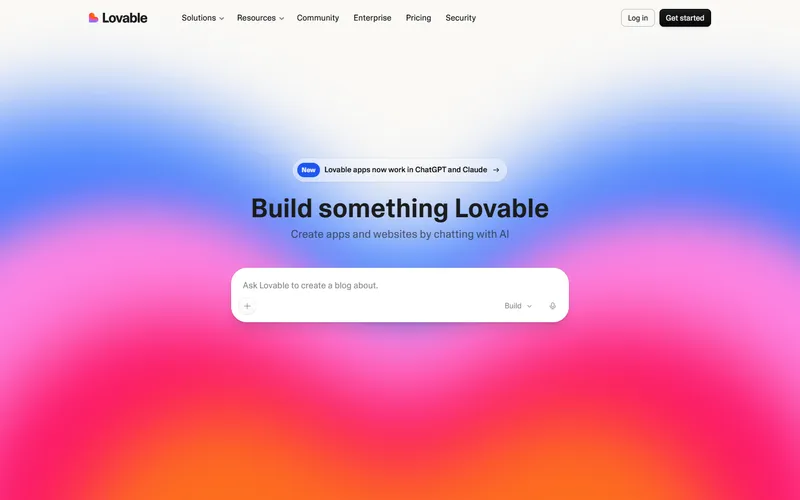
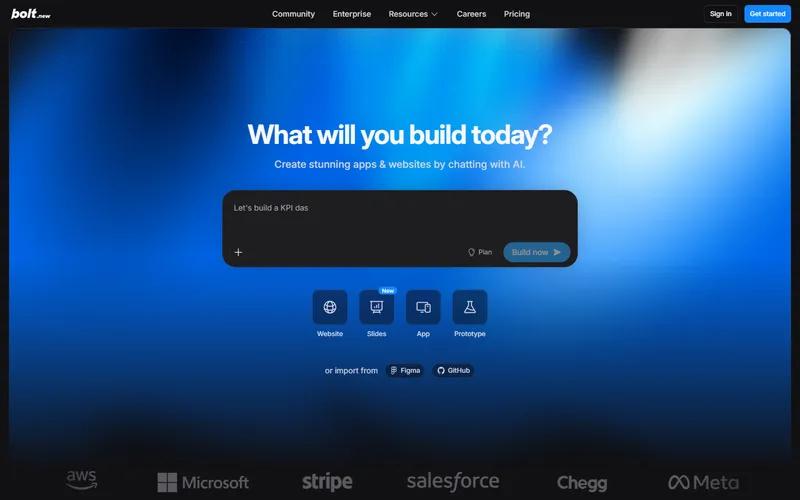
They are real, they are fast, and they are not your finished website. Open Instagram lately and you have been sold Lovable, Bolt, Base44, Replit, or Emergent, each promising a full app or site from one sentence. I have run all of them on real ideas. Here is the honest read.
For a first, testable version they are genuinely impressive. Lovable is the best of the bunch for a non-technical founder who wants a working prototype today. Bolt is close behind and gives you more control, as long as you can handle it dropping you into GitHub and Netlify to actually ship. Replit is the one to reach for when you need real backend logic, a database, and hosting, not just a pretty front end. Emergent runs a little team of AI agents and can stand up a simple app in minutes.
Then the ceiling shows up, and it shows up fast. These tools are extraordinary at producing working software in an afternoon and not yet trustworthy at running it. The slick demo is usually a single-page front end with no real backend, thin SEO, and a habit of breaking the moment you edit it. Pricing is the other trap: most bill on credits or "effort" that spikes without warning, and it is genuinely easy to burn a few hundred dollars in a week once you are past the free tier.
Base44 is the one I am most careful with. Wix bought it for about $80 million, and it is fine for a low-stakes internal tool, but the lock-in is steep and it is the wrong place to build anything customer-facing you might want to move later.
So here is how I actually use this whole category: to validate an idea fast and cheap, or to spin up a throwaway internal tool. The moment something has to convert customers, rank, and hold up for years, I rebuild the parts that matter on a real, owned codebase. That is not a knock on the tools, it is knowing what each one is for. A custom build still beats a template for the same reason it always did: the machine can lay the bricks in seconds, but it cannot decide what to build, or know which parts of the prototype deserve to survive.
Which AI tools do I use for SEO and content?
Same principle, different job. AI is excellent at the research and scoring that used to eat hours, and dangerous when you let it write unsupervised. My SEO stack splits into two layers.
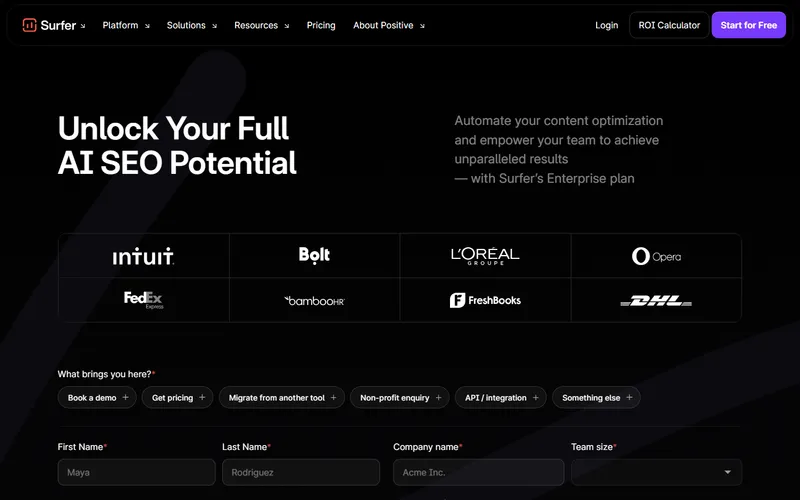
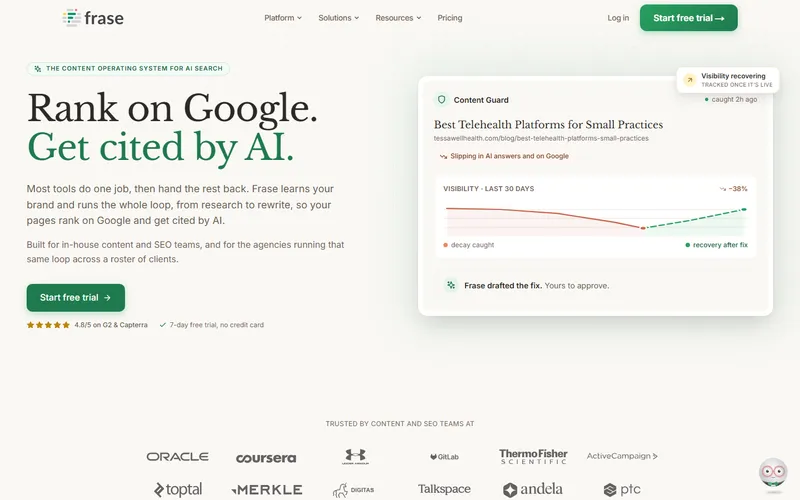
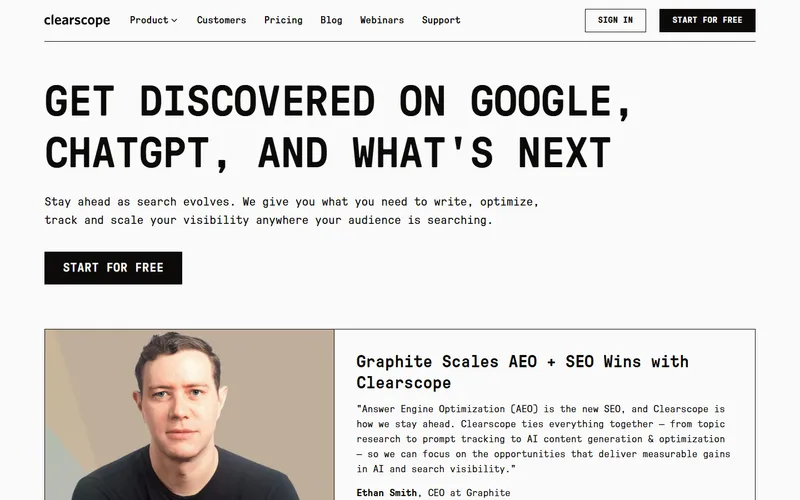
For content and on-page work, Surfer SEO, Frase, and Clearscope score a draft against what is actually ranking for the term, so you cover the subtopics real competitors cover instead of guessing. Surfer's content editor is the most polished of the three, and Frase is the budget entry at about $15 a month. I use them to structure and pressure-test a draft, not to generate it. The writing still has to say something true and specific, which is the part these tools cannot do.
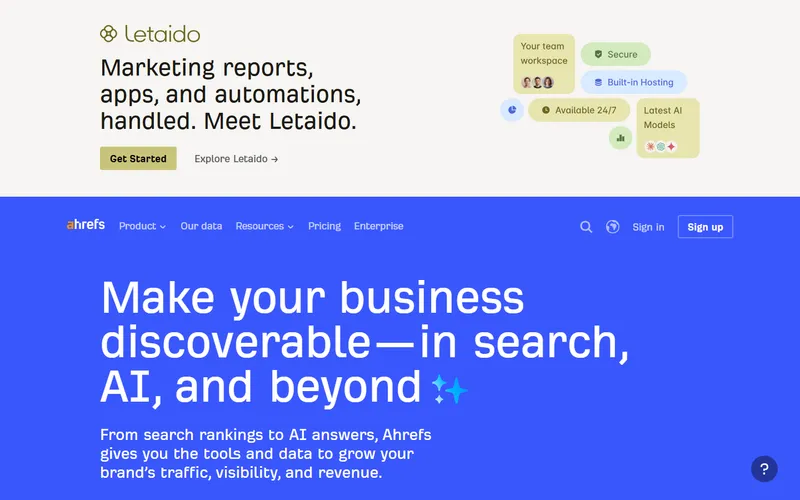
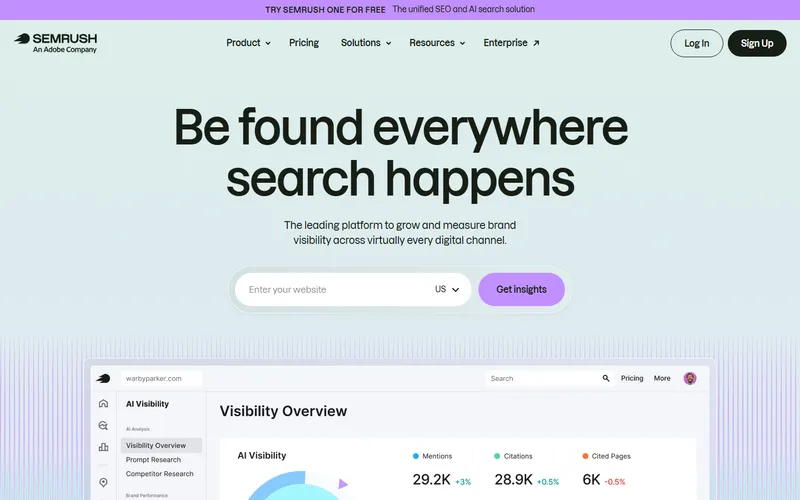
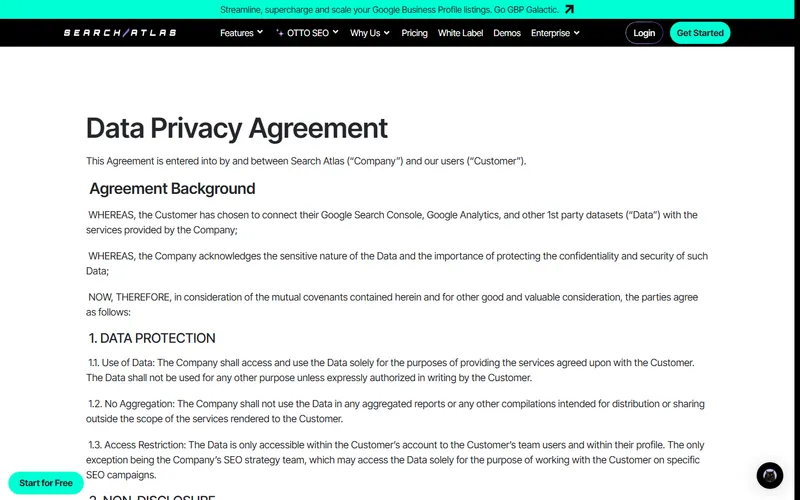
For research and technical SEO, Ahrefs and Semrush are the backbone. Both shipped AI-visibility tracking in 2026: Ahrefs Brand Radar tracks 286 million-plus monthly AI prompts, and Semrush's AI Visibility Toolkit covers ChatGPT, Gemini, Perplexity, and Google AI Overviews (SearchAtlas, 2026). That matters because AI Overviews now appear in about 48% of Google searches, and brands cited in them get roughly 35% more clicks (BrightEdge via SearchAtlas). For heavier automation, SearchAtlas OTTO can deploy fixes like meta tags and schema through a snippet, which I use selectively when a site's technical debt is deep.
Of every AI tool I try, how many make the cut?
The keep rate is brutal, and that is the point. Toggle between the overall split and how the keepers break down by job.
Notice the shape. In my own stack the dropped pile is always the biggest, and that is the correct hit rate, not pessimism. New tools launch every week, most solve a problem I do not have, and the honest move is to try a lot and keep almost none.
Want the machine pointed at your site?
The free RMCM audit reads your website the way these tools and AI search do, and shows what is holding it back in about 30 seconds. No login, no sales call to get the result.
START WITH A FREE AUDITWhat about tools that track whether AI recommends you?
This is the newest layer, and the one most local businesses are told they need before they actually do. AI-visibility tools like Profound, Peec AI, and Otterly track whether ChatGPT, Perplexity, and Google AI Overviews mention your business when someone asks. Profound starts around $99 a month, Peec around 89 euros, and Otterly from about $25 (Rankability, 2026).
Here is where I break from the sales pitch. For a large brand spending real money on AI search, ongoing monitoring is worth it. For a local business, you do not need a $99 monthly dashboard to answer the first question, which is simply whether you show up at all. As one buyer's guide put it plainly, most small businesses need a one-time audit before they need ongoing tracking (Rankability, 2026). Run the free check, fix the gaps that show up, and only pay for a tracker once there is something worth tracking. I wrote a whole guide on how to check if ChatGPT recommends your business for free, and it takes about ten minutes.
Which AI tools did I drop, and why?
The graveyard is the useful part of any honest tool review, because it saves you the trials I already ran. These got dropped for the same core reason: they automated a judgment call and produced confident, generic output, or they solved a problem another tool already solved better.
- One-prompt website builders, as a finished product. Fine for a throwaway page, wrong for a business that needs to convert. They make the blank page disappear and replace it with a forgettable one.
- Generic AI article writers. The ones that spit out a full "SEO blog post" from a keyword. They produce text that reads like everyone else's, which is the fastest way to be ignored by both readers and AI systems that reward original, answer-shaped content.
- Single-trick design toys. Color-palette generators, font pairers, and the long tail of "AI design" apps that do one small thing a designer does in seconds. I tried a pile of these and kept none.
- Copycat AI-visibility trackers. There are dozens now, most of them the same dashboard with a different logo. Pick one if you need it; you do not need five.
None of this means the tools are bad. It means they are tools. A tool that makes weak work faster is not a shortcut, it is a faster way to ship something forgettable.
Where AI actually saves time in a build
The parts AI genuinely speeds up, and the parts where it most needs a human to hold the quality line. Toggle the view.
What does this mean if you're hiring someone?
If you are not going to run these tools yourself, the takeaway is about who you hire. A modern web and SEO partner should be using a stack like this, and should be able to tell you how they check its output by hand. The tools are not the differentiator. Whether someone has the judgment to point them at the right problem and reject the generic result is the differentiator.
So two questions are worth asking anyone building your site. First, what do you build and research with? A shop still working the way it did in 2019 is slower and more expensive for the same result. Second, and more important, how do you check the AI's work? If the answer is a shrug, or if they are selling you an "AI-built site" with no human review, that is a warning sign. AI writes faster than people. It does not decide what deserves to exist. That call is still a person's job, and it is the one you are actually paying for.
Using AI is table stakes now, not an edge
Marketer adoption of generative AI, and what it buys back. Toggle the view.
| Job | What I keep | What AI is bad at here |
|---|---|---|
| Sitemaps & wireframes | Relume | Making the layout non-generic |
| Design & motion | Framer | Knowing what the business needs to say |
| Building the site | Claude Code, v0, Cursor | Deciding what to build in the first place |
| Content & on-page SEO | Surfer, Frase, Clearscope | Writing something true and specific |
| Research & technical SEO | Ahrefs, Semrush | Judging which fixes actually matter |
| AI visibility | Otterly (or a one-time audit) | Fixing why you are not cited |
Frequently asked questions
What are the best AI tools for web design in 2026?
What AI tools help with SEO?
Can AI tools build a whole website by themselves?
Should a small business owner use these AI tools themselves?
Do AI visibility tools like Profound and Otterly matter for a local business?
Are AI website builders like Lovable, Bolt, or Base44 good enough for a business website?
The tools are cheap now. Judgment is the expensive part.
Everyone has the same AI tools. That is exactly why they stopped being an advantage. When 87% of marketers are using the same stack, the tool is not what separates good work from generic work. Taste is. Knowing what to build, what to cut, what to publish, and what to reject is the part no tool does for you.
So use the stack. Let Relume kill the blank canvas, let Surfer pressure-test the draft, let Claude Code do the build. Then bring the judgment the machine does not have, because that is the whole job. If you would rather have that judgment applied to your own site, that is what RMCM does: web design and SEO built with a modern stack and checked by a person. Start with the free audit and see what your site looks like to the machines before you decide anything.