- The short answer: Lovable for a fast prototype, Framer or Squarespace when it has to look designed, Wix or Durable if you want one bill and no code, 10Web if you want to own what comes out, Relume if you already build sites for a living.
- Of the eighteen builders I tested in August 2026, three no longer build websites and a fourth is being folded into someone else's product. All three of those changes landed inside a few months.
- Entry pricing runs from $6.99 to $25 a month, but almost every tool bills in credits, so the sticker price isn't the bill. Failed edits still burn credits.
- 10Web is the only one that builds onto WordPress, which makes it the single option here where leaving later is a migration rather than a rebuild.
- In an independent audit of five AI-built sites, all five had schema markup missing or wrong and four of five had a missing or misconfigured robots.txt file.
- 77% of professional developers say vibe coding isn't part of their professional work, and trust in AI output accuracy fell to 29% (Stack Overflow, 2025).
- The builder gets you a prototype. RMCM has taken client site health from 52 to 90 and 31 to 90 by rebuilding the foundation a generator skips.
If you want the one-line answer: use Lovable to prove an idea, Framer or Squarespace when the site has to look designed, Wix or Durable if you want one bill and no code, 10Web if you want to own what comes out, and Relume if you build websites for a living. Every one of them will get you something on screen in under ten minutes.
Then there's the part I didn't expect. I built my shortlist earlier in the year, and by the time I sat down to work through it, three of them had stopped building websites entirely. One shut down. One got acquihired and switched off. One quietly pivoted into a completely different product. That wasn't the article I planned to write. It turned out to be the most useful thing I found.
Every builder on my shortlist, status-checked
All eighteen, opened and checked by hand this month. Filter by status.
How I tested these, and what I was looking for
I gave every tool the same brief: a five-page site for a fictional Toronto HVAC company, with a services list, a service-area page, reviews and a contact form. Same prompt, same follow-up edits, same fifteen minutes each. Then I looked at what came out.
I wasn't grading these on how pretty the first draft looked, because they're all decent at that now. I was checking four things a business actually cares about. Can a non-technical owner run this alone? Can you take the site with you if you leave? Does the generated page have a usable structure underneath the design? And what does it cost once you need a custom domain and your own name on the site instead of theirs?
Every price below is what the tool charges as of this month. Where a tool bills annually to get its headline number, I have said so. I'm not an affiliate for any of them and there are no referral links in this article.
Which AI builders turn a prompt into a working app?
These six generate real code with a backend, a database and user accounts. They're the most powerful tools on the list and the least suited to a business owner who just wants a website. Treat them as prototyping tools that happen to be able to ship.
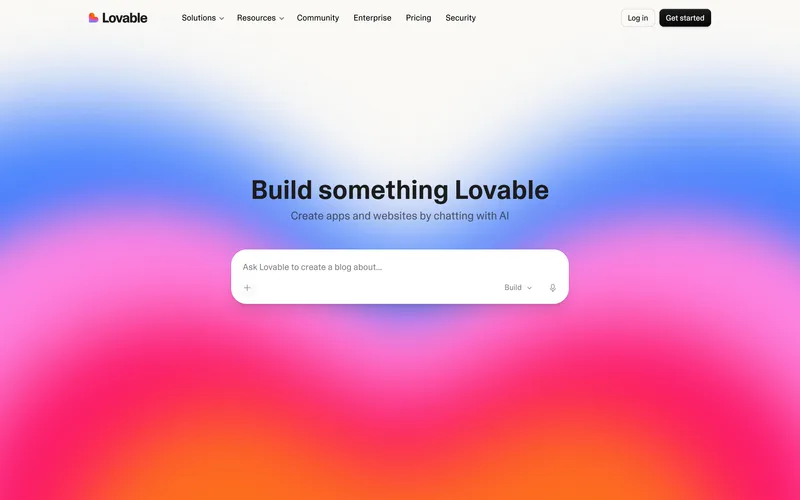
Lovable
The fastest route from a sentence to something clickable, and the one I'd hand a founder who needs a demo by Friday. The catch is the credit model. Every message spends credits, including the ones you spend fixing a bug the AI introduced, which is a strange thing to get billed for. Use it to find out whether an idea is worth building. Don't use it to run a site that has to rank.
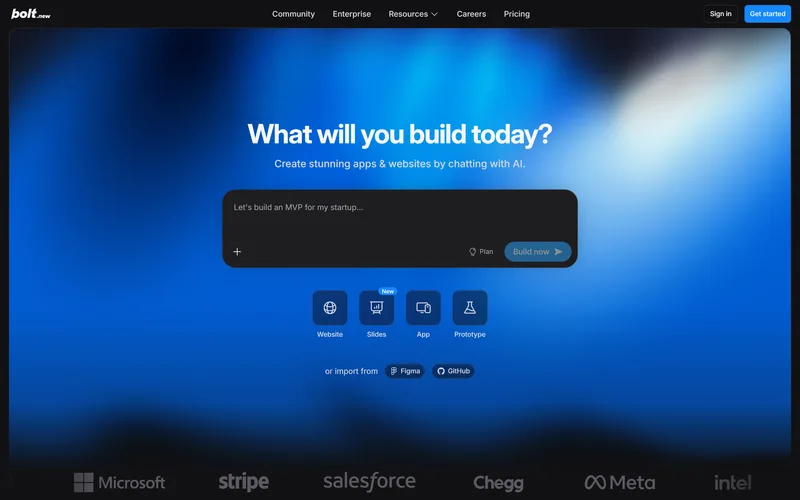
Bolt.new
A real development environment in a browser tab: file tree, terminal, package manager, preview. You get more control than Lovable and more rope to hang yourself with. If you aren't technical it will drop you into GitHub and a deploy dashboard and assume you can keep up. Tokens disappear quickly once you start fussing over how things look rather than how they work.
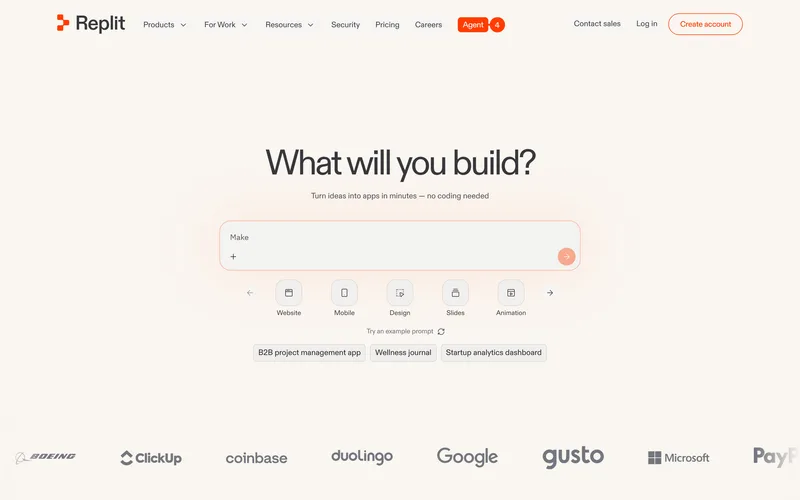
Replit
The one that hands you a database, authentication and hosting in the same place, which almost nothing else here does. It's also the one with the most complaints attached to the invoice. Replit's effort-based pricing charges by how much work the agent decides your request needs, so you find out the price after the fact. When the agent breaks something and then charges you again to fix it, that stings in a way a flat fee never does.
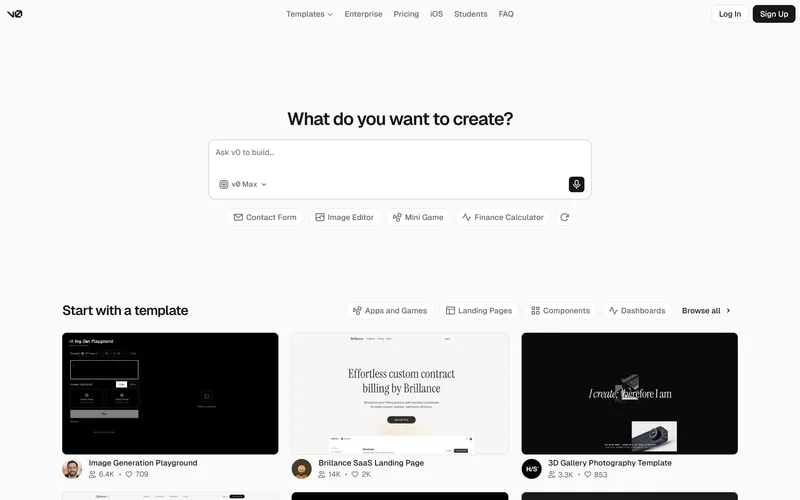
v0 by Vercel
The cleanest output of anything here. If you or your developer already work in React, v0 produces components you'd actually keep rather than quietly rewrite. It moved from fixed credits to token billing in February 2026, so a generation costs whatever it costs and you learn that afterwards. This is a tool for people who write code, not for the owner of a plumbing company.
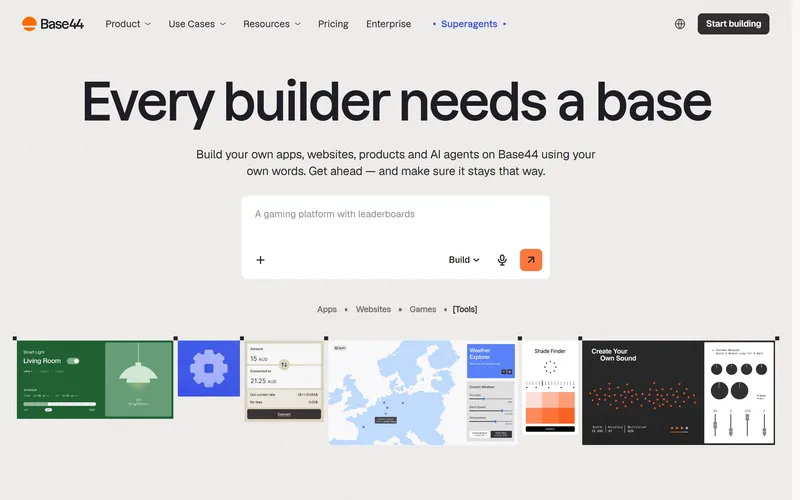
Base44
The most complete "describe it and it exists" experience on the list, with the backend, logins and payments handled for you. Worth knowing who owns it: Wix bought Base44 for about $80 million in June 2025, six months after it launched. The tiers now climb to $160 a month. I'd happily build an internal booking tool on it. I wouldn't put a company's front door on it.
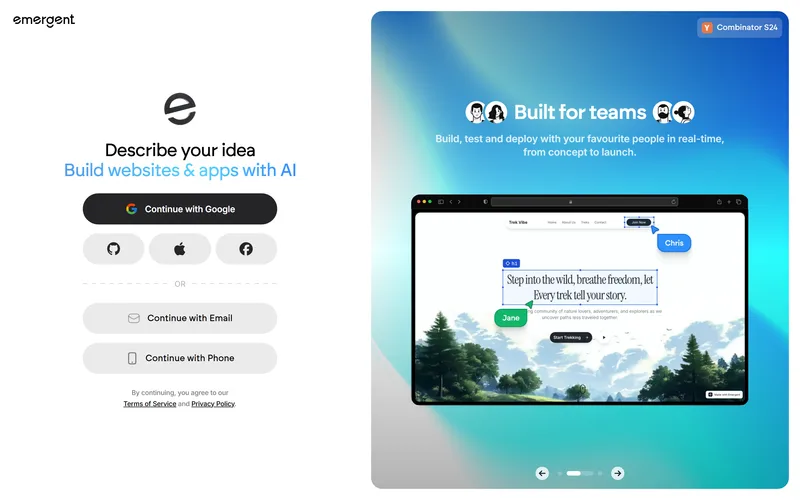
Emergent
A team of agents that plan, build and test, and when it works the demo is impressive. Two things gave me pause. The homepage is a login wall, which tells you what the product wants from you before it tells you what it does. And the jump from the $20 plan to the next one is $200 a month, which isn't a pricing ladder so much as a cliff. Credits burn on failed runs too.
Which AI website builders suit a business owner?
These seven are the ones I'd let a busy owner near. No GitHub, no deploy pipeline, no terminal. You describe the business, it builds pages, you click things to change them. The trade is control and portability, and how much you give up varies more than the marketing suggests.
Wix
The boring answer, and for plenty of local businesses the right one. The AI generator gets you to a live, mobile-decent site with a domain, hosting and a support line on a single invoice. The ceiling is real though. URL structure is fixed, schema control is limited, and page speed is only partly yours to fix. That ceiling never bothers you while your competitors are also on Wix. It bothers you the week one of them isn't.
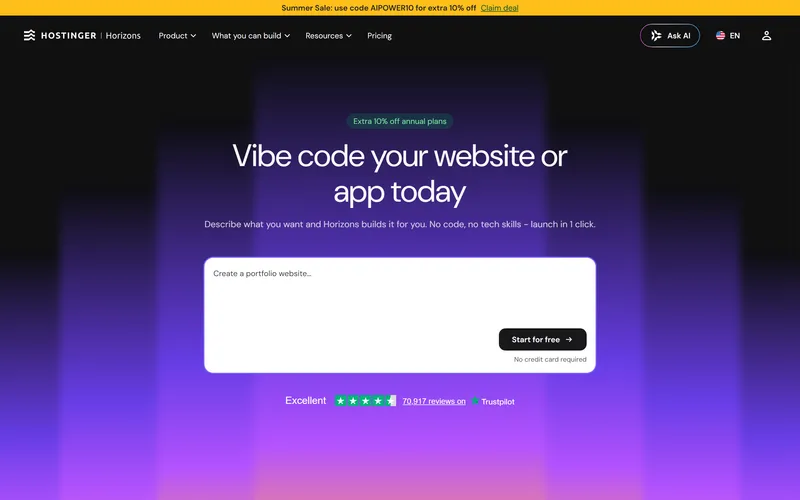
Hostinger Horizons
The cheapest real entry on this list, and the only one where the builder, hosting, SSL, mailbox and domain all arrive together. That bundling is the real advantage. The trap is buried in the plan table: source code access and the code editor only unlock on the $39.99 tier, so the affordable plan is also the one you can't leave. Read the feature list before you read the price.
Squarespace
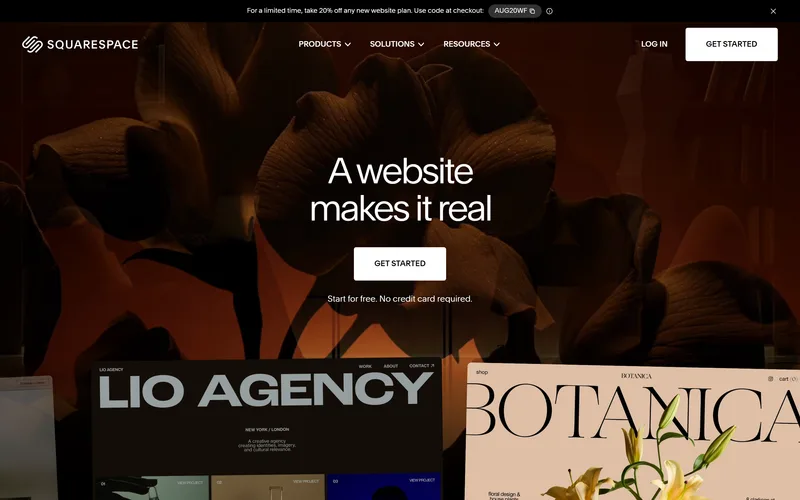
Blueprint AI walks you through five guided steps instead of taking one prompt, and the output is more polished than anything else in this group. Everyone who has run it lands in the same place: a professional starting point in about ten minutes. The two complaints are just as consistent. The stock imagery is obvious and needs swapping for your own photos, and Blueprint sites end up looking like each other. There's no free plan either, just 14 days, and nothing you build here can leave with you.
Durable
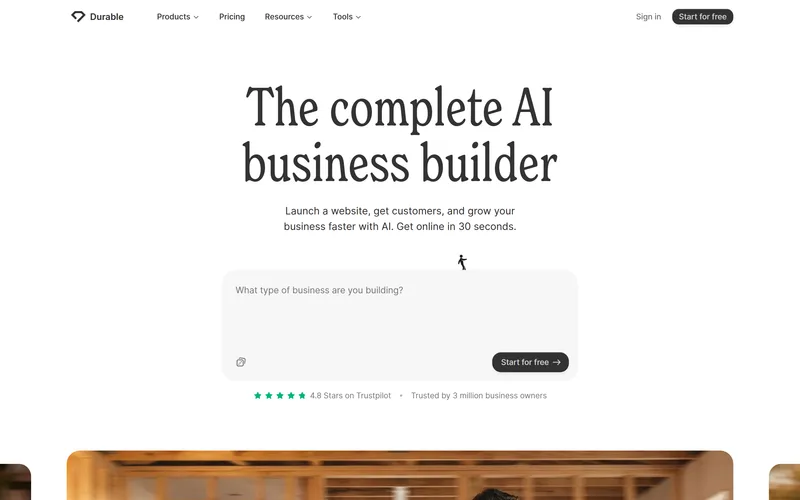
This one surprised me. It's aimed squarely at solo operators and trades, it generates a site in about thirty seconds, and it's the only builder in this group whose own plan comparison lists JSON-LD structured data, auto-tagged headings, and a sitemap and robots.txt as features. Given how many AI-built sites ship without those, that's worth something. The cost is flexibility: you work inside its templates, and there's no meaningful export. It also bundles a CRM and invoicing that you may already pay for elsewhere.
10Web
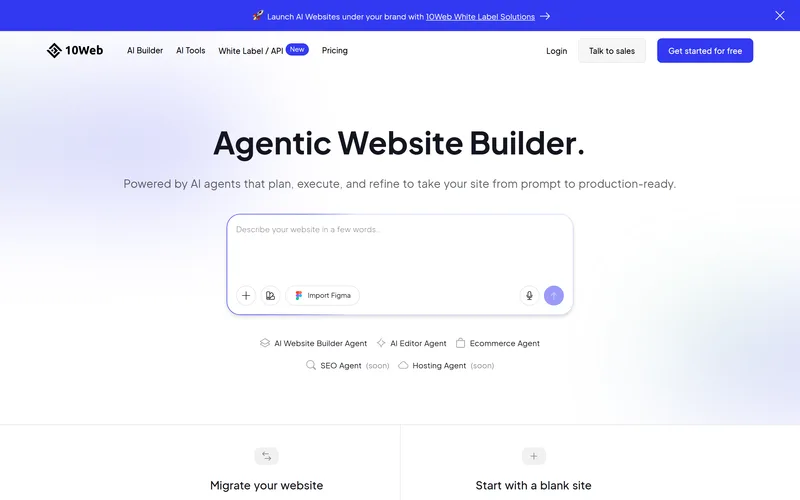
The only tool here that generates onto WordPress, which changes the maths completely. Whatever it builds, you can move to any WordPress host, hand to any developer and extend with any plugin, so nothing about this decision is permanent. It generates a five-page site in under ten minutes and advertises a 90+ PageSpeed score. The catch is that you also inherit WordPress: updates, plugins, security, backups, the lot. If your plan is to own the thing and rank it, this is the most sensible place on the list to start.
Wegic
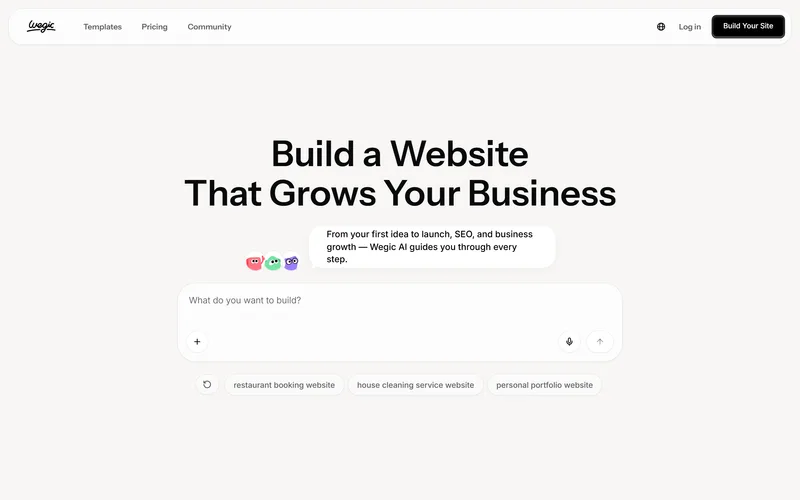
The friendliest interface of the eighteen. It asks questions about your business like a person would, and its example prompts are all local service sites, so it clearly knows who it is for. It also has the most candid pricing page I have ever seen from a software company: the trial tier openly warns that a single generation usually costs more than $10 in credits. Believe that warning. Failed edits spend credits too, so a bad afternoon costs real money.
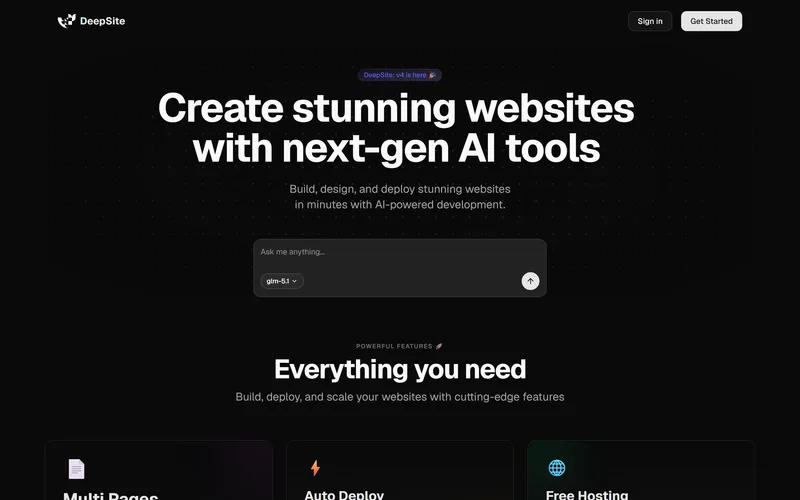
DeepSite
Free, quick, and it gives you the raw HTML, which I respect. It's also a single-page toy rather than a website builder, and the first thing that loaded when I opened it was a notice that the whole thing is being migrated into Hugging Face Chat. Its pricing page now returns a 404, which tells you where this sits on someone's roadmap. Fine for sketching a landing page in five minutes. Not somewhere to put anything you need next year.
Not sure if your current site is worth keeping?
Get a free SEO audit and see exactly what's working, what's broken, and what a rebuild would fix.
START WITH A FREE AUDITWhich ones are built for people who design for a living?
These two aren't really competing with the rest of the list. They assume you already know what a good site looks like and want to get there faster. Both are excellent at that and frustrating at anything else.
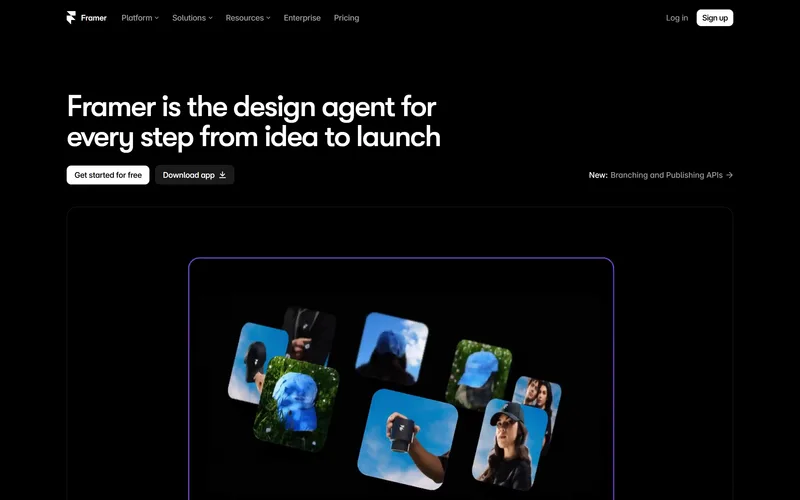
Framer
The best-looking output on this list, and it isn't close. Nothing else handles animation this well without code. Two warnings though. Framer is user-friendly but not beginner-friendly, so without design fundamentals you'll produce an expensive-looking mess. And while the SEO basics are covered, there's no native schema markup, so FAQ and article rich results need custom code you probably weren't planning to write.
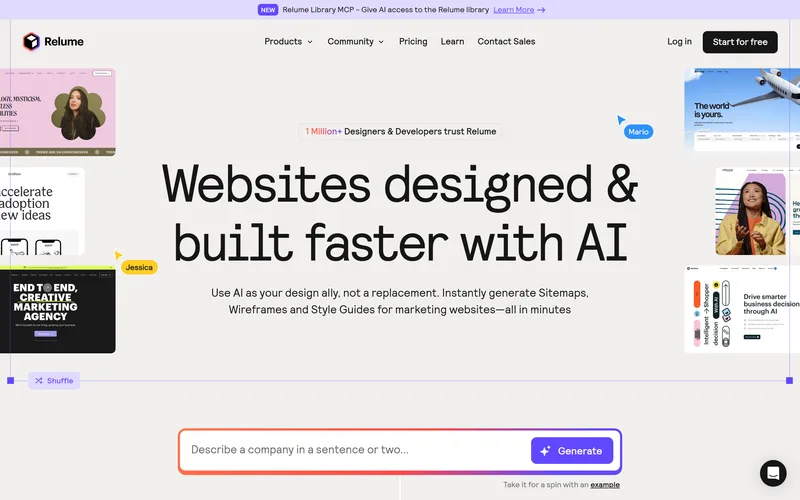
Relume
Not a website builder, and it doesn't pretend to be. Describe a company and it produces a full sitemap in about fifteen seconds, then wireframes each page from a library of real components. It kills the blank canvas, which is the expensive part of any project. Pound for pound the best value here, with one condition: it only helps if you were already going to build the site yourself.
The three that didn't survive the year
Three of the builders I set out to test are no longer in the website business, and all three of those changes happened inside a few months. This is the risk nobody prices in when they compare monthly plans.
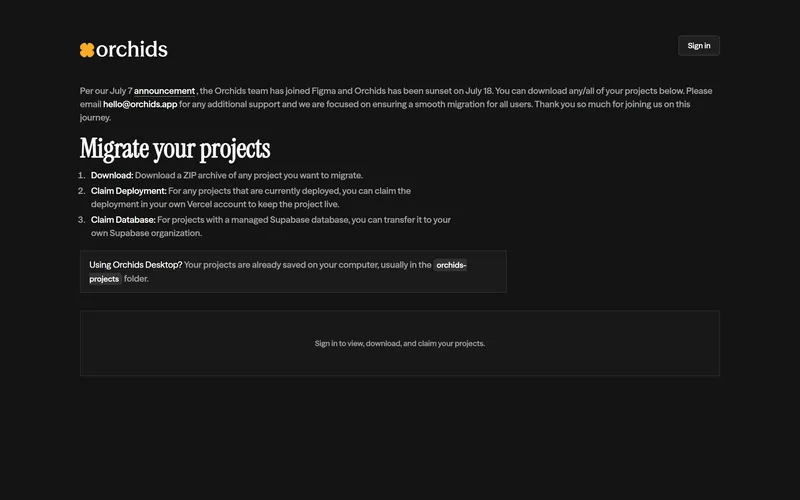
Orchids
This is the one that stopped me. Orchids' entire pitch was that you could download the full codebase, so you were not locked in. Then Figma hired the team on 7 July and the platform was switched off eleven days later. Eleven days. Visit the site today and you get a migration notice telling you to download your projects and rehost them yourself, and anything still deployed there simply stopped being deployed.
dora.run
ERR_NAME_NOT_RESOLVED
Dora
There's no screenshot because there's no website. Dora built some of the most striking 3D animated sites I've seen out of a no-code tool, which is why it was on my list at all. The domain now fails to resolve, which is a step past even a shutdown page. Google still has the old signup URL indexed under the title "Dora - Shutting Down." Try dora.run yourself and you'll get the same error I did.
Tempo
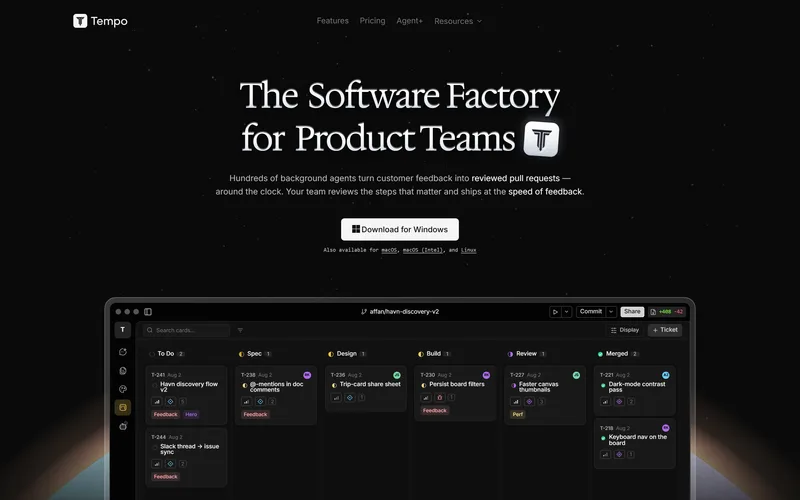
Tempo is still very much alive, just not doing the job I put it on the list for. It's now "The Software Factory for Product Teams," a desktop app where background agents turn customer feedback into reviewed pull requests. The pricing page redirects to the homepage. If you picked Tempo six months ago to build marketing sites, the product you chose no longer exists in that form.
None of this means these were bad companies or that the people who recommended them were careless. It means the category is moving faster than the advice about it, and you're the one holding the site when a tool changes direction. Ask one question before you commit: if this company disappeared tomorrow, what exactly would I still have? For Wix and Framer the answer is nothing you can move. For Bolt, Replit and v0 the answer is your source code, which is a real answer.
What do AI website builders really cost?
Entry plans range from $6.99 to $25 a month, but that number is close to meaningless because almost all of them bill in credits or tokens rather than flat access. You aren't buying a subscription. You're buying a bucket of machine effort, and the bucket empties faster when the AI makes mistakes.
Monthly cost: cheapest plan versus the plan you need
"Real site" means the tier that gives you a custom domain, no builder branding, and access to your own code. Emergent is left out: it builds apps rather than websites, and its next tier up is $200 a month.
Three pricing patterns are worth knowing before you pick. Credit billing means you pay per action, and you pay again when the AI breaks something and needs another turn to fix it. Effort-based billing, which Replit uses, means the tool decides how much your request was worth after it has done the work. Tier gating means the cheap plan withholds the thing you'll eventually need, which is why Hostinger's $6.99 plan can't export code.
Set against that, a custom build is a fixed number. We cover what that looks like in what a custom website costs in Toronto. The comparison people make is $25 a month against a few thousand dollars, which is the wrong comparison. It's $25 a month plus your weekends, indefinitely, against a one-time build you own outright.
Are AI website builders any good for SEO?
They're fine at the parts you can see and weak at the parts you can't. This is the single biggest gap between what these tools promise and what they deliver, and it's invisible until your competitor outranks you for six months straight.
The clearest evidence I have found is an April 2026 audit of five AI-built B2B websites by SEO consultant Nikki Pilkington. Every one of the five had schema markup either absent or implemented incorrectly. Every one had H1 and H2 headings written as branding slogans rather than as search signals. Every one performed noticeably worse on mobile than desktop. Four of the five had a missing or misconfigured robots.txt file, four had a missing or broken XML sitemap, and four had blog category pages indexed that shouldn't have been.
What an audit of five AI-built sites actually found
Out of five sites audited in April 2026. Switch between the problems and the things that held up.
Here's the detail I keep coming back to. Those same five sites scored between 79 and 93 on an automated site health check. High scores, real problems. Which is exactly why this is so hard to catch on your own: the dashboard tells you that you're healthy while the structure a search engine reads is a mess.
The design quality, for what it's worth, was excellent on all five. The whole pattern fits in one line. AI builders optimize for the screen, and search engines read the code. Two different jobs, and only one of them is getting done.
Developers themselves are more cautious about this than the marketing suggests. In the 2025 Stack Overflow Developer Survey, 84% of developers use or plan to use AI tools, but 77% said vibe coding isn't part of their professional work, and trust in the accuracy of AI output fell to 29%, the lowest it has been recorded. So the people who build software for a living use these tools constantly and ship almost none of it untouched. Copy that posture for your website. More on that in AI tools for web design and SEO.
So which AI website builder should you pick?
Pick by what you're trying to find out, not by which tool ranks first in a listicle. Here's how I'd decide.
If you want to know whether an idea has legs, use Lovable and give yourself one afternoon. If the site has to look genuinely designed and you have some taste to bring to it, use Framer, or Squarespace if you'd rather be guided through it than start from a blank prompt. If you run a trade or a service business and want a site plus a CRM on one bill, use Durable. If the budget is tight, Hostinger Horizons is the cheapest honest start, as long as you accept the code-access ceiling. If you care about owning and ranking the thing later, use 10Web, because WordPress is portable and none of the others are. If you already build websites, use Relume for the sitemap and wireframe stage and keep your existing stack for the rest. And if you need a real application with logins and a database, use Replit or Bolt.new and expect to spend more than the sticker price.
What none of them will do is make the structural decisions that determine whether you get found. Which page targets which search. What your service pages need to say to convert a stranger. How the site is wired together so that Google and AI tools can read it. We go deeper on that split in DIY website builder versus hiring someone and in what every local business website needs.
My position, as someone who uses AI tools every day to build client sites: these are excellent at the first 60% and quietly bad at the last 40%. The first 60% is layout, copy scaffolding and something that looks finished. The last 40% is headings that mean something, schema markup, page speed on a phone, internal links, and pages built around what people actually search for. Nobody sees that 40%, and it's the entire difference between a website and a website that works.
| Tool | Best for | Entry price | Own the code? | Status |
|---|---|---|---|---|
| Lovable | Proving an idea fast | Free, then $25/mo | Yes, GitHub | Running |
| Bolt.new | Scaffolding you'll rebuild | Free, then $25/mo | Yes | Running |
| Replit | Apps needing a real backend | Free, then $20/mo yearly | Yes | Running |
| v0 by Vercel | Developers who want clean React | Free, then $20/mo | Yes | Running |
| Base44 | Internal tools and MVPs | Free, then $16/mo yearly | Yes, GitHub sync | Wix-owned |
| Emergent | Multi-agent app experiments | Free, then $20/mo | Yes, paid plans | Running |
| Wix | One bill, no code | Free, then $17/mo yearly | No | Running |
| Hostinger Horizons | Cheapest legitimate start | Free trial, then $6.99/mo | Only from $39.99/mo | Running |
| Squarespace | Looking designed without a designer | Trial, then $16/mo yearly | No | Running |
| Durable | Solo trades and service businesses | Free, then $22/mo | No | Running |
| 10Web | Owning a real WordPress site | Free, then $10/mo yearly | Yes, it's WordPress | Running |
| Wegic | Chat-led local business sites | $2.99 trial, then $23.90/mo | Yes, Starter and up | Running |
| DeepSite | Free single-page sketches | Free | Yes, raw HTML | Migrating |
| Framer | Sites where motion is the brand | Free, then $10/mo yearly | No | Running |
| Relume | Sitemaps and wireframes | Free, then $18/mo yearly | Exports out | Running |
| Orchids | Was: full-stack prototyping | Was $25/mo | Was yes | Shut down |
| Dora | Was: 3D animated sites | Was $18/mo | No | Shut down |
| Tempo | Now: product team workflows | Was $30/mo | Yes, GitHub | Pivoted |
The other way to read that table is as a map of who you'd be depending on. The chart below plots the fifteen tools still standing on the two things that decide that: how easily a non-technical owner can run it alone, and how much of the build you could walk away with.
Ease of use versus how much you own
Top right is the goal: easy to run and yours to keep. Only 10Web gets close. Toggle to isolate the tools an owner can run alone from the ones that need a designer or developer.
Frequently asked questions
Can I move my site off an AI website builder later?
Is a free AI website builder good enough to launch a business on?
Do AI website builders write their own copy and images?
Will Google penalize a website built with AI?
How long does it take to build a real site with an AI builder versus hiring someone?
So where should you start?
Start with the cheapest possible test. Take an hour, open Lovable or Wegic, and describe your business. You'll learn more about what you actually want from your website in that hour than in a week of reading comparisons, including this one. Nothing here's a substitute for seeing your own business rendered on a screen.
Then be clear-eyed about what you're looking at. You have a prototype. It looks finished, which is precisely the problem, because the parts that are missing are the parts you can't see: the headings, the schema, the sitemap, the internal links, the reason a search engine should send anyone to you instead of the shop down the road. And three of the eighteen tools I tested are already gone, so add one more question before you commit. If this company folds, what do I still have?
If you've already built something with one of these and you want a straight read on what's underneath it, that's what our free SEO audit is for. It shows you what search engines and AI tools actually see, not what the builder's dashboard claims. We took one client from a site health score of 52 to 90 and another from 31 to 90 by fixing exactly the things a generator leaves out, and we ship custom builds in 5 to 7 days with that foundation already in place. Use the builder to find out what you want. Then build the thing you own.